
BAF Large Trade Flow
Track and analyze big trading activity with precision
Digital products are non-refundable. Please use the 14-day free trial before purchasing.
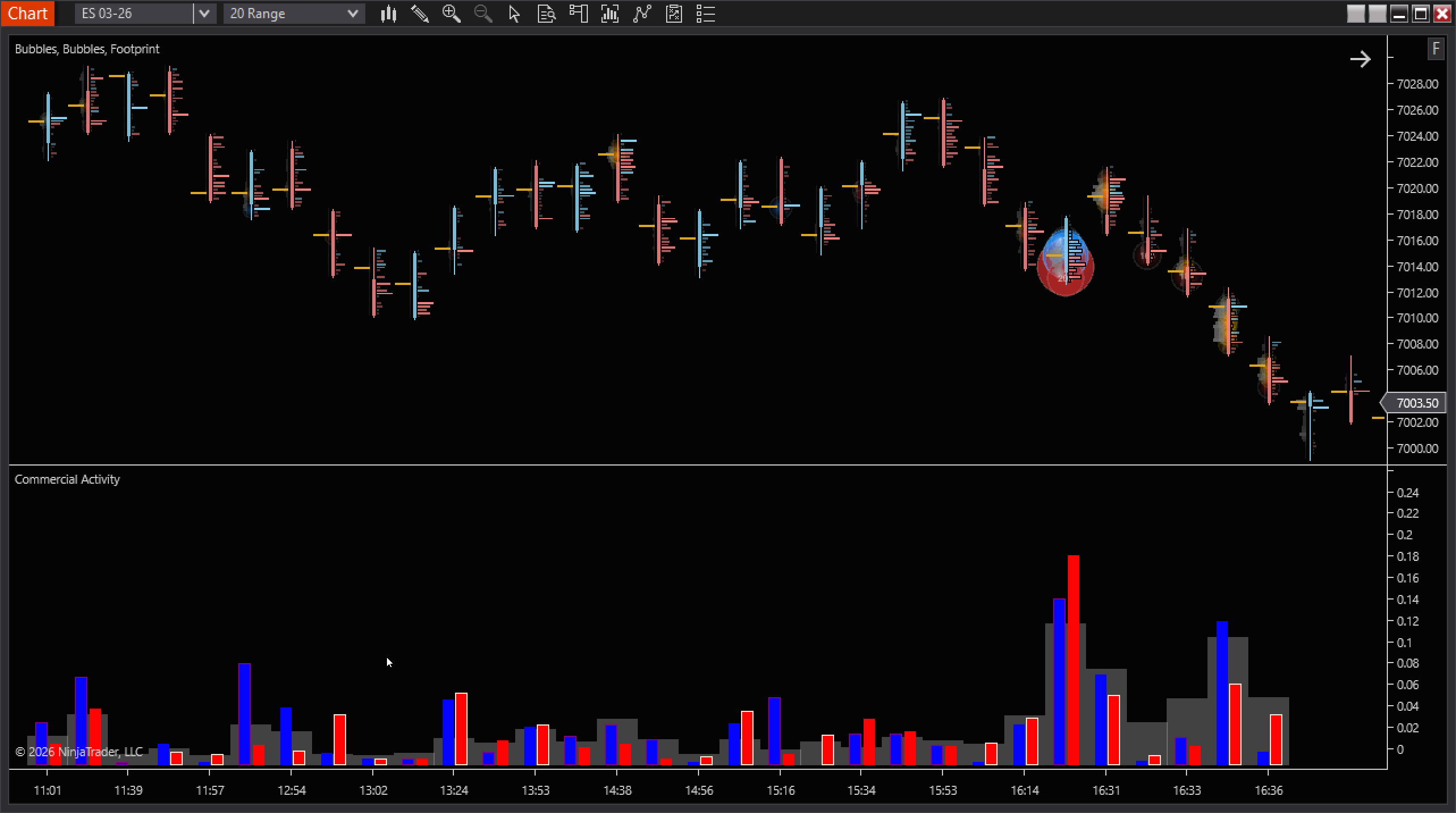
Large Tape FlowSize-filtered Time & Sales, mapped into clean buy/sell + delta bars.
Large Tape Flow filters the tape by trade size so you can focus on the transactions that matter. It accumulates large buy and sell prints and visualizes them per bar (or per session), with an optional net-delta view when you want one number.
What you get
Size-filtered tape
Show only trades that meet your size threshold so you can ignore noise on fast markets.
Flexible threshold modes
Choose Fixed, Dynamic (adaptive), or Standard Deviation to match different volatility regimes.
Buy vs sell separation
See large buys and large sells as separate bars for quick balance/imbalance read.
Net delta option
Switch to a net-delta view (buys minus sells) when you want a single directional signal.
Reset control
Reset per bar for microstructure reads, or per session for a broader intraday context.
Optional audio alerts
Buy/sell sounds with a minimum interval so alerts stay actionable instead of constant.
🧠How to read the chart
- Bar height reflects the total size of qualifying prints (above the threshold).
- Separate mode shows big buys and big sells independently (fast “who’s in control?” check).
- Net delta mode compresses the read into one value (big buys − big sells).
- Last-side outline can help you spot which side was last active when the tape is flying.
⚡Get started in seconds
- Add to chart Load BAF Large Tape Flow on your instrument/timeframe.
- Start simple Use Fixed mode and set a Big Order Threshold that matches your market (ES vs NQ differs).
- Pick a view Separate mode for participation, Net Delta for direction.
- Optional Enable last-side outline and alerts once your baseline settings feel right.
⚠ Tick Replay vs Standard Mode
- Tick Replay ON: Use when you need precise per-tick delta for today or a few recent sessions. Expect heavier CPU and longer load times on many days.
- Tick Replay OFF: Recommended for loading long history (many days/weeks). Uses bar/secondary-series data for precision.
- Delta behaviour: With Tick Replay OFF, delta is approximate. Not tick-perfect tape analysis.
- Practical tip: For deep backfills and profile mapping, stay in non–Tick Replay. Turn Tick Replay on only when you specifically need tick-accurate delta for recent days.
Pro tips
🎯Use it at decision points
Large Tape Flow matter most at VWAP, prior highs/lows, and key profile levels—context first, then tape.
🧩Combine with structure
Treat big-print bursts as confirmation, not a standalone entry trigger.
🧼Avoid threshold whiplash
If Dynamic mode feels unstable, raise the multiplier or switch back to Fixed for consistency.
🧯Alert sparingly
Use a larger minimum alert interval so alerts only fire on truly unusual activity.
Compatibility
NinjaTrader 8. Designed for realtime tape-driven workflows and fast intraday review.